BeepBox Alternatives: 6 Chiptune Editors Compared
BeepBox alternatives are useful when the original browser editor feels too limited for the song you want to finish. BeepBox is still an excellent starting point for quick patterns, simple melodies, and shareable song URLs. The best alternative depends on the exact blocker: more channels, custom samples, deeper FM synthesis, a different visual style, or a specialist sound-design workflow.
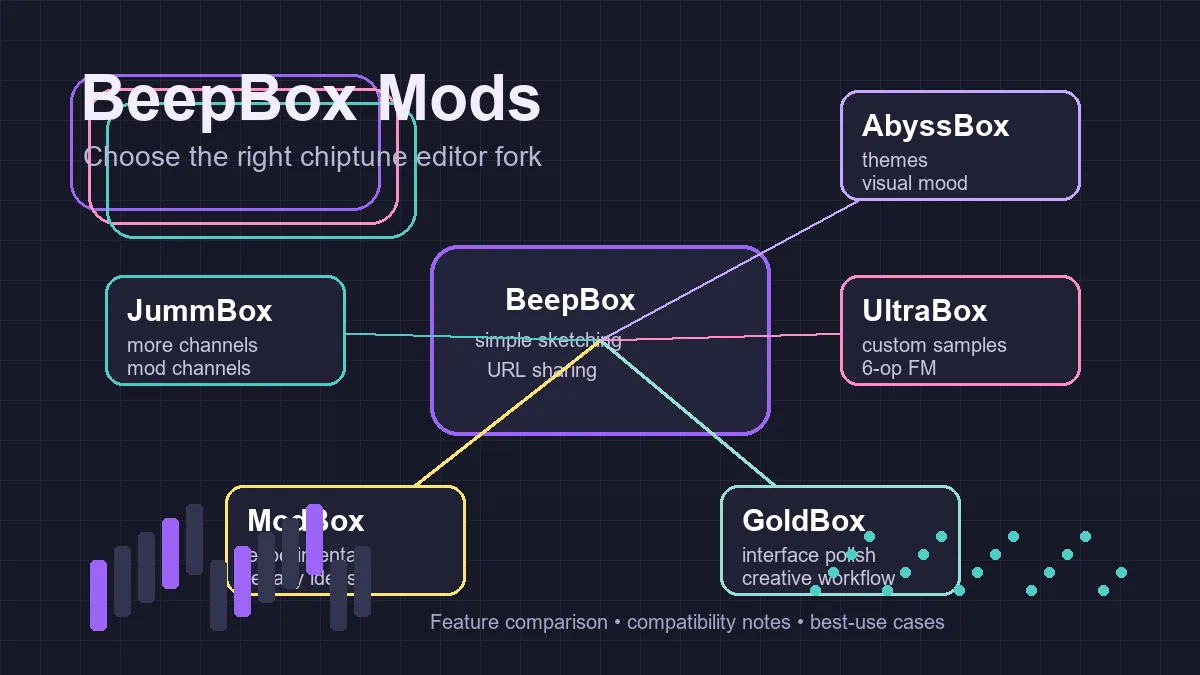
For the shortest answer, start with UltraBox for the broadest feature set, JummBox for a familiar middle ground, and BeepBox when speed and simplicity matter more than expansion. AbyssBox, Slarmoo's Box, ModBox, and GoldBox are better treated as focused forks: open them when a specific sound, interface, or community project gives you a reason.
In this guide
BeepBox Alternatives at a Glance
The table focuses on practical fit instead of trying to rank every historical fork. A tool can be technically powerful and still be the wrong choice if it slows down the first draft or breaks the way your collaborators share songs.
| Editor | Best for | Why choose it | Watch out for |
|---|---|---|---|
| BeepBox | Fast sketches and learning the grid | Small, approachable workflow with easy song sharing | Less room for advanced channels, samples, and synthesis |
| UltraBox | Full arrangements and sound design | Expanded channels, custom samples, 6-op FM, themes, and modulation in one editor | More menus and a longer learning curve |
| JummBox | A measured step up from BeepBox | Familiar pattern editing with more arrangement and modulation space | Some advanced sample and synthesis workflows are more limited than UltraBox |
| AbyssBox | A specific UltraBox-derived fork or visual direction | Distinct release identity and community context | Check fork compatibility before treating it as a drop-in replacement |
| Slarmoo's Box | Specialist sound design and unusual textures | Useful controls for envelopes, granular or ring-mod ideas, EQ, and dense unisons | Extra controls can make song migration and collaboration harder |
| ModBox / GoldBox | Exploring older or experimental forks | Interesting historical interfaces and feature ideas | Maintenance, export, and community support may vary |
How to Choose a BeepBox Alternative
Do not choose only by the number of features listed on a landing page. Start by naming the limitation you are trying to remove. That keeps the comparison useful and prevents a large editor from turning a simple eight-bar idea into a settings project.
1. Match the arrangement size
If your track has one lead, bass, and a short drum pattern, vanilla BeepBox may be enough. When you need separate harmony, counter-melody, effects, layered percussion, and automation, a fork with more channels becomes easier to manage. UltraBox is the obvious choice when the arrangement itself is the blocker; read the extra channels guide if you are not sure whether the current editor has enough lanes.
2. Decide whether samples are essential
Many users search for a BeepBox alternative because they want a real drum hit, a voice fragment, or a game-inspired texture that a built-in oscillator cannot provide. UltraBox has the clearest custom-sample workflow in this group. Remember that sample songs depend on reachable audio URLs, so a working editor is only one part of the setup. The UltraBox samples guide explains the library and import path.
3. Separate sound design from interface preference
JummBox can feel like a calm next step when you want more room without immediately adopting every advanced control. Slarmoo's Box and other specialist forks can be better when the target texture is specific, but a larger feature list does not automatically make a song sound better. Choose the smallest tool that gives you the control you actually plan to use.
What Each BeepBox Alternative Is Best At
UltraBox: the broad all-around upgrade
UltraBox is the most practical first alternative when your project has outgrown the original editor. Its value is not one isolated feature; it is the combination of expanded channels, custom sample support, deeper FM synthesis, themes, modulation, and offline options. That makes it a good home for a complete track that would otherwise require switching between several forks. The tradeoff is decision fatigue. New users should learn the basic pattern workflow before opening every advanced panel.
JummBox: a familiar middle ground
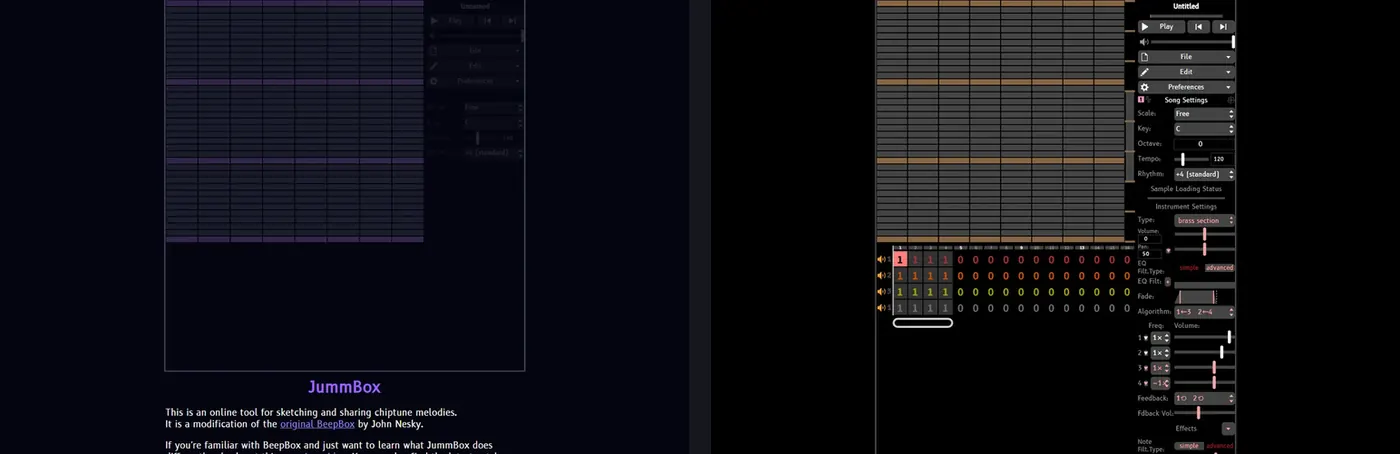
JummBox suits musicians who want more arrangement or modulation space while keeping the compact BeepBox mental model. It is often a reasonable next stop after a beginner has learned patterns, bars, tempo, and instrument roles. If your song mainly needs more room rather than custom audio or a large synthesis system, JummBox can be less distracting than a full UltraBox setup. For a direct decision, use the JummBox vs UltraBox comparison.
AbyssBox: choose it for the fork itself
AbyssBox is best treated as a named fork with its own release identity, not as a generic synonym for every BeepBox alternative. It can be the right choice when a shared song, community project, or visual style points specifically to AbyssBox. If you are starting from zero and simply want the broadest workflow, compare it with UltraBox first using the AbyssBox vs UltraBox guide.
Slarmoo's Box: specialist sound-design control
Slarmoo's Box is interesting when your goal is unusual synthesis behavior, detailed envelopes, dense unisons, or textures that go beyond a straightforward melody-and-bass arrangement. That specialization can be inspiring, but it also raises the cost of moving a song between editors. Use the Slarmoo's Box comparison when you need to inspect those boundaries before committing a long project.
ModBox and GoldBox: explore with a clear reason
Older or experimental forks still matter because they show where many BeepBox ideas came from. They can be fun for a particular interface or a community song, but they should not be the default recommendation for a new production unless you have confirmed the current editor, save path, and support around it. For a broad family map, the existing BeepBox mods guide is the better starting point.
Best BeepBox Alternative by Use Case
Choose BeepBox when...
- You are learning pattern-based composition.
- You need a short loop or classroom demonstration.
- Your priority is sharing a small song quickly.
Choose UltraBox when...
- You need more channels for a complete arrangement.
- Custom samples or deeper FM synthesis are central.
- You want one broader editor instead of several forks.
Choose JummBox when...
- You want a moderate expansion of the familiar workflow.
- You prefer fewer decisions than a large all-in-one editor.
- Your song does not depend on a specialized sample chain.
Choose a specialist fork when...
- A community song or project already uses that fork.
- A particular theme or synthesis behavior is the point.
- You have tested saving and sharing before building deeply.
Compatibility and Migration Checks
BeepBox-family editors feel familiar because the basic model is shared: notes sit in patterns, patterns sit in bars, and songs can often be represented by a URL. That does not mean every feature is portable. A simple BeepBox sketch is more likely to open cleanly in a larger fork than a song that already uses custom samples, expanded channels, special effects, or fork-specific instruments.
Before migrating, save the original URL and make a copy of the song. Open the copy in the target editor, listen through the sections, and check the instruments one by one. If the song depends on external samples, keep a small list of the direct audio URLs as well as the editor link. The UltraBox save workflow covers the difference between a URL, an audio export, project data, and sample dependencies.
For collaboration, agree on one source-of-truth editor. A team can use BeepBox for sketches and UltraBox for production, but everyone should know which link is authoritative. If a fork-specific feature is important, export a listening reference before sending the song to someone who uses a simpler editor.
Practical recommendation: keep BeepBox for the first idea, move to JummBox when you need a measured expansion, and choose UltraBox when samples, larger arrangements, or advanced synthesis are the real reason you are searching for BeepBox alternatives.
Frequently Asked Questions
Reference links for checking the current editor experience: BeepBox, UltraBox, JummBox, and Slarmoo's Box. Fork features and hosted sample behavior can change, so test the live editor before documenting a team workflow.