How to Make a BeepBox Chord Progression That Sounds Clear
A BeepBox chord progression is simply a sequence of chords that gives a loop direction. You do not need a large pad or a theory-heavy setup: start with two or four triads, let the bass outline each root, and let the lead or an arpeggio reveal the other chord tones. This guide focuses on the hands-on BeepBox workflow. It complements the BeepBox scales guide, which explains how to choose a note palette, and the broader authentic chiptune guide, which covers complete arrangements.

In This Guide
The Short Answer: Start With Two Chords
The safest first BeepBox chord progression uses two chords across a four-bar loop. Hold the first chord for two bars, move to a second chord for one bar, and return or delay the return in the fourth bar. This gives your ear a home point and a small amount of motion. Once the loop works, try four chords, one per bar, or keep two chords and change the rhythm of the notes.
A chord is a group of notes that sound together or in quick sequence. A major triad uses a root, major third, and fifth; a minor triad lowers the third. In a BeepBox-style editor, the result can be three simultaneous notes, a bass root plus a short two-note answer, or a fast broken chord.
Build Simple BeepBox Chords From Triads
Use the active Scale and Key as a guardrail, then build a triad by taking every other scale note. In C Major, C-E-G is a C major triad, D-F-A is D minor, and G-B-D is G major. You can move the same shape to another key after the first example sounds stable. If the editor uses different scale names, check its current menu rather than assuming every fork exposes the same list.
| Chord role | Example in C Major | What it contributes | BeepBox starting move |
|---|---|---|---|
| I (home) | C-E-G | Rest and tonal center | Let the bass land on C at the loop start or end. |
| IV (lift) | F-A-C | Opens the phrase without losing the key | Keep C or A near the previous melody note to reduce jumps. |
| V (tension) | G-B-D | Pulls the ear back toward I | Use a higher B or a short arpeggio before returning to C. |
| vi (relative minor) | A-C-E | Darker color while sharing notes with I | Move the bass to A and keep one common tone ringing. |
Do not treat these labels as rules that guarantee an emotion. Register, rhythm, instrument envelope, and the note that sounds longest all change the result. The useful part is that triads give you a small, repeatable set of notes to test. If a full triad feels crowded, keep the root and fifth in the support lane and let the lead supply the third.
Choose a BeepBox Chord Progression for a Four-Bar Loop
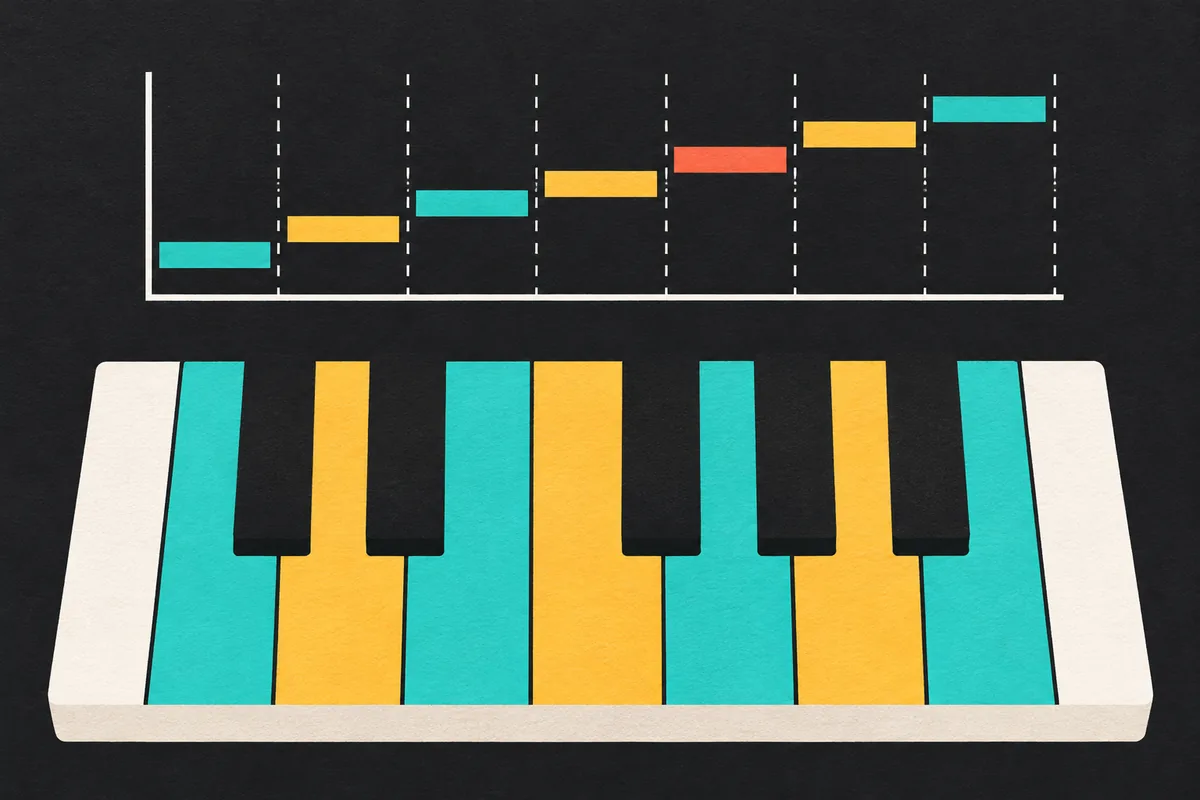
Test one familiar shape and one contrasting shape instead of trying every chord immediately. The common I-V-vi-IV pattern in C Major is C, G, A minor, F. It works as a neutral exercise because adjacent chords share notes, so the lead can move by small steps. A simpler I-IV pattern, C to F, is better when you want to hear the bass and melody roles clearly before adding tension.
For a darker exercise, try i-VI-III-VII in A minor: A minor, F, C, and G. It uses the same seven-note palette as C Major but makes A feel like home. If that feels too predictable, keep the first three chords and replace the last chord with V or a suspended shape. The goal is not to memorize a list; it is to compare how the final bar changes the way the loop turns around.
A reliable comparison method
Freeze tempo, instruments, octave, and drum pattern. Change only the chord sequence. Listen once for the bass, once for the melody, and once for the loop ending. This isolates the BeepBox chord progression instead of making every new preset sound like a new composition.
Four bars are enough for a first test. An eight-bar version can hold the same four chords for the first half, then change the last bar, remove the drums, or move the melody up an octave in the second half. When you are ready to expand the song timeline, use the BeepBox length and arrangement guide rather than copying the same pattern indefinitely.
Enter a BeepBox Chord Progression in UltraBox
The exact button names can differ between BeepBox, UltraBox, and other forks, but the editing sequence is stable. Work on a duplicate or save the full song URL before changing the harmony so you can compare versions.
- Set the palette. Pick a Key and Scale that leave enough notes for the idea. Major, Minor, or a pentatonic starting point keeps the first test small.
- Mark the roots. Put one low note at the start of each chord section. Keep the root rhythm simple; a whole-bar note is easier to diagnose than a busy bass line.
- Add two chord tones. Place the third and fifth above the root, either together in a support channel or as short answer notes. Keep them in a comfortable register.
- Loop and listen. Turn on playback and check the moment where the fourth bar returns to the first. If the return feels accidental, lengthen the final root or use a leading tone in the melody.
- Save a checkpoint. Copy the song URL or use the UltraBox save workflow before adding variations, samples, or modulation.
If a chord looks correct but sounds wrong, remove the support notes and listen to the roots alone. Then add the third, then the fifth. This staged approach tells you whether the issue is the BeepBox chord progression, a single out-of-scale note, or an instrument envelope masking the harmony.
Connect Bass, Melody, and BeepBox Arpeggios
A progression becomes musical when the voices cooperate. Let the bass state the root movement, let the support lane add the third or fifth, and let the lead create a memorable rhythm. Avoid making every lane play every chord tone at the same time. Chiptune arrangements often imply a full chord with a root and a quick arpeggio, leaving space for the melody and drums.
- Bass: begin with roots on the first beat, then try an octave or a fifth before the next chord. If the low notes blur, move one note up rather than adding more processing.
- Lead: emphasize a chord tone on a strong beat and use a scale step as motion between chord changes. Repeating a short motif makes the progression easier to hear.
- Arpeggio: play root-third-fifth or root-fifth-third quickly in one channel. Change the order or rhythm in the final bar instead of adding a new instrument.
- Drums: keep the rhythm stable while you test harmony. Once the chord movement works, add a fill or a short pause; the BeepBox drums guide covers that separate decision.
Inversions help when the melody jumps too far. For C major, use E-G-C instead of C-E-G so the top note stays near the previous phrase. You do not need to label every inversion while learning. Move the smallest number of notes possible, then check whether the bass still identifies the intended root.

Fix Muddy, Repetitive, or Unresolved Harmony
Most beginner problems are easier to fix by deleting notes. If the low end sounds muddy, remove the lowest third and keep only root plus fifth. If the loop sounds flat, change the rhythm or the final bar before adding a seventh chord. If every chord feels like a new key, check that the bass returns to the intended tonic and that the lead is not holding a note outside the current palette.
| Symptom | Likely cause | First repair |
|---|---|---|
| Everything sounds crowded | Too many low simultaneous notes | Move the third and fifth up, shorten their release, or use an arpeggio. |
| The loop never resolves | Final chord avoids the tonal center | End on I, or let the bass approach I in the final beat. |
| Chords sound identical | Same rhythm and same register every bar | Change one rhythm, inversion, or melody note while keeping the roots. |
| Notes clash unexpectedly | Key/Scale and chord tones disagree | Mute the out-of-scale note, then retest the active editor menu. |
Compare changes at the same volume and with the same instrument. A bright FM patch or a long sample tail can make a simple progression seem more complex than it is. For a first exercise, keep the sound short, the tempo steady, and the number of chords low. Once you can sing or hum the root movement, the page has done its job and you can return to sound design.
FAQ
What is a BeepBox chord progression?
It is an ordered series of chords placed across patterns or bars. In BeepBox, you can imply each chord with a bass root and a melody or arpeggio instead of a large block of simultaneous notes.
How many chords should a BeepBox loop use?
Start with two or four chords across four bars. Fewer changes make it easier to hear the tonal center and fix the bass, melody, and rhythm before expanding the loop.
Can I make chords in vanilla BeepBox?
Yes. Vanilla BeepBox can imply chords with several pitch channels, short chord tones, or arpeggios. Channel limits and menu labels vary by version, so confirm the current interface.
Why do my BeepBox chords sound muddy?
Muddiness usually comes from low notes that are too close together, too many simultaneous tones, long releases, or a bass line that fights the root. Move support notes up, shorten them, and test one change at a time.
Sources and Related References
- BeepBox official editor - use the active editor as the source of truth for current controls and limits.
- BeepBox community chord discussion - a user conversation about triads, intervals, and why progressions add direction.
- Scratch BeepBox discussion - community examples contrasting repeated patterns with chord progressions.
- UltraBox source repository - project background and the open-source editor code.
Try the progression in UltraBox
Open a fresh browser session, choose a simple scale, and test two chords before adding more layers. Save the URL when the loop sounds clear.